- Home
- News
- News items
- Which aircon gateway do I need?
Which aircon gateway do I need?

Summer is on its way in Australia, and with it comes the busiest stretch of the year for air conditioning work. For integrators, that usually means one question on repeat:
- ''Which Intesis gateway do I need for this unit?''
There’s a faster way to get the answer. Intesis has a free online HVAC Compatibility Tool covering more than 2,500 AC references, and it’s the best place to start before quoting any AC integration.
How the Compatibility Tool works
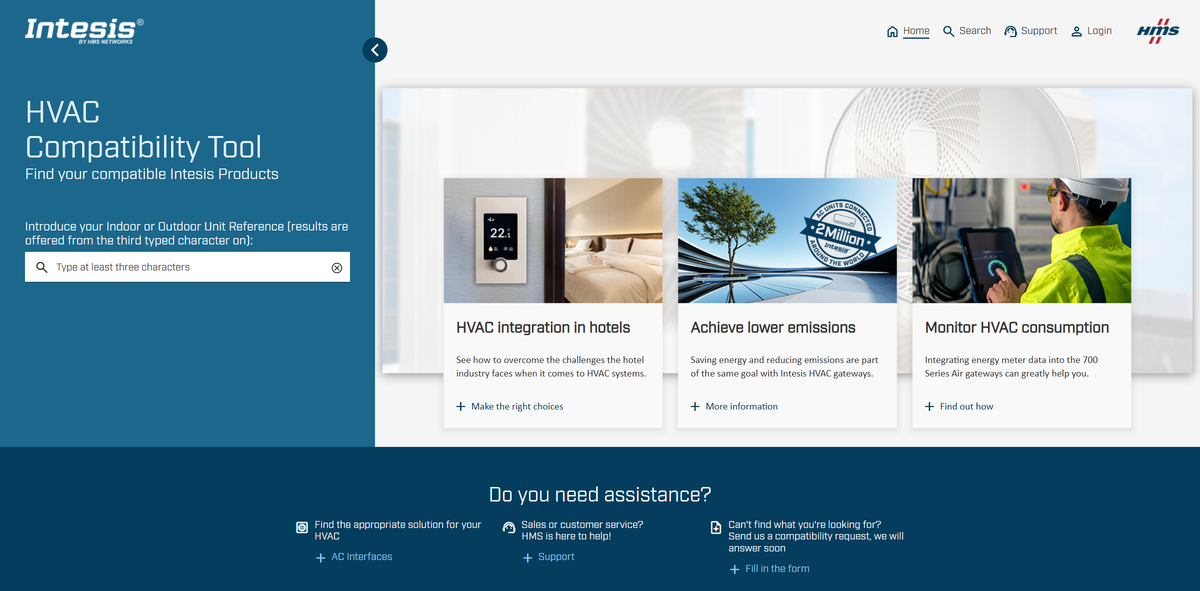
All you need is the model reference of the indoor unit. Head to compatibility.intesis.com, start typing, and results begin to appear from the third character.
For every compatible gateway, the tool shows:
- The product code
- How many indoor units it supports
- How it connects to the AC unit (manufacturer port or infrared)
- Any accessory needed on the AC side
Results are grouped by integration type, so you can go straight to the one your project uses: KNX, Modbus, BACnet, MQTT, Home Automation (WMP) for IP based systems such as Control4, or AC Cloud Control for Wi-Fi app control.
A quick example
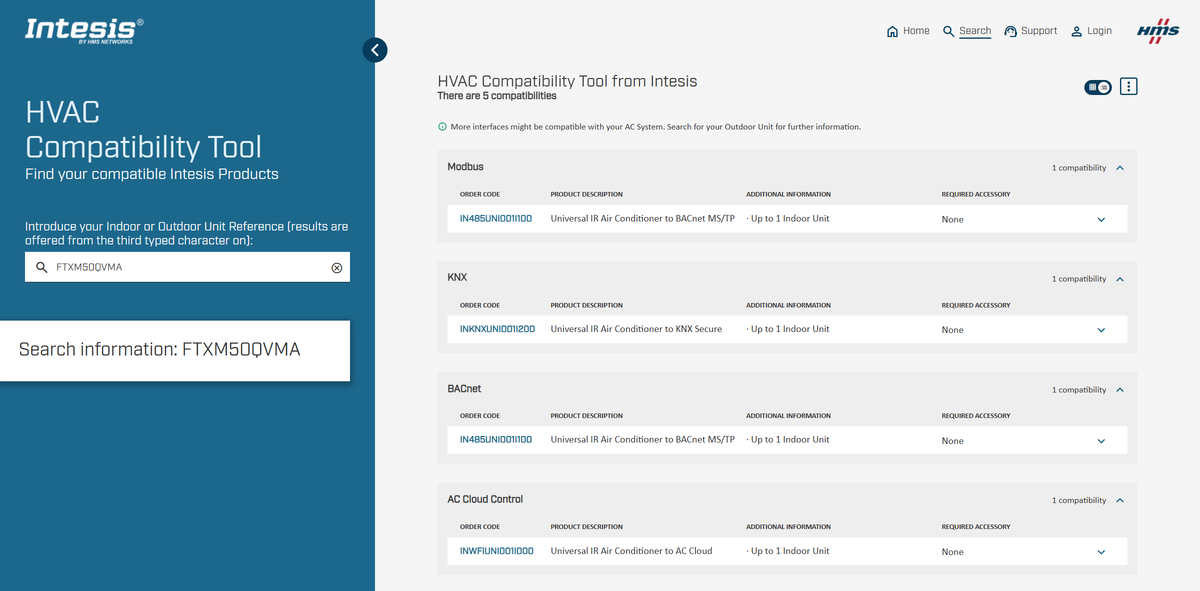
Type in a Daikin FTXM50QVMA indoor unit and the tool returns five options across KNX, Modbus, BACnet, Home Automation and AC Cloud Control. All of them are Universal IR gateways, which means no extra accessory on the AC side. The tool also points out that more interfaces may be available if you search the outdoor unit, which brings us to a few tips.
Getting the most out of it
- Search both references. If the indoor unit doesn’t give you what you need, try the outdoor unit too, as it can bring up additional compatible interfaces.
- Check the suffix. If your exact reference isn’t found, the tool suggests similar models. Make sure the suggestion really matches the unit on site, since small differences in a model code can matter.
- Still not there? Use the compatibility request form. Add the indoor and outdoor unit references (plus remote or centralised controller if you have them), the manufacturer and the integration you’re after, and Intesis will check it. New references are added regularly.
1:1, 700 Series Air or Universal IR?
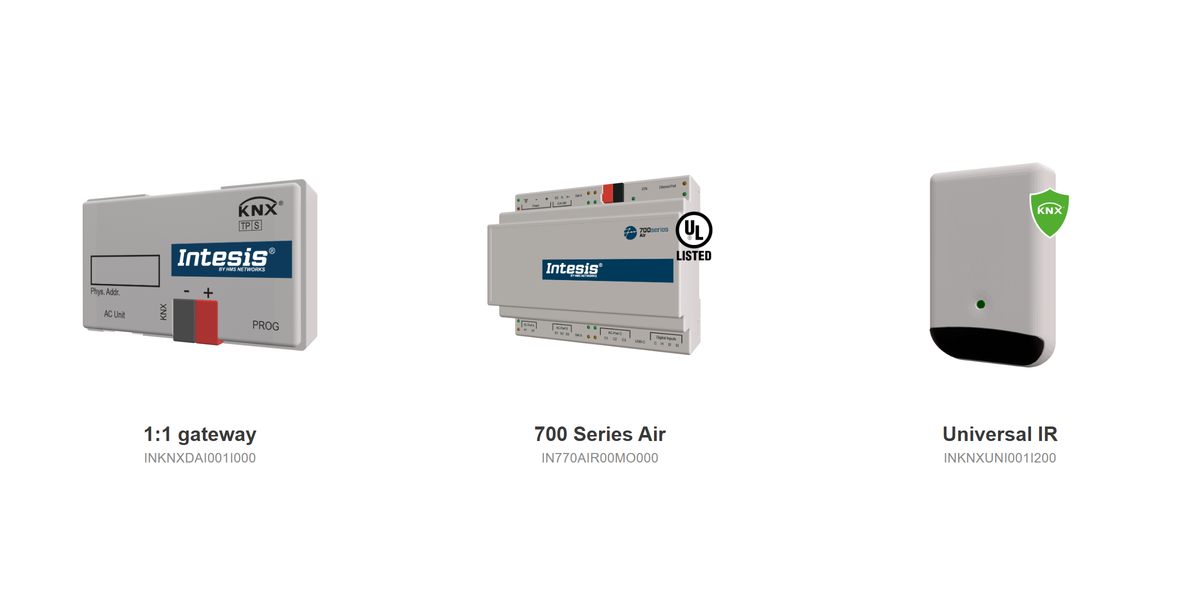
The tool will often show more than one option for the same unit. As a rough guide:
1:1 gateways
One gateway per indoor unit, connected directly to the manufacturer’s communication port. A good fit for homes with a single split, or a few units that are controlled individually.
700 Series Air
One multibrand hardware platform, configured through Intesis MAPS, with licensing options from 4 up to 128 indoor units. It suits projects with multiple indoor units, from larger homes to commercial buildings, and means less brand specific stock on the shelf.
Universal IR
Talks to the unit over infrared, the same way its remote control does, so no accessory is needed. Handy for models without a dedicated wired gateway or for older units. Check the datasheet to see which functions and feedback are available over IR for your project.
Start with the model number
Next time an AC integration lands on your desk, run the model number through the Compatibility Tool first. In most cases you’ll know which gateway you need within a minute. If you have questions about ordering, licensing or the right setup for a bigger project, the Ivory Egg team is here to help.